Follow these steps to add cross arms to an assembly:
- Click the plus (+) symbol next to the inline assembly name.
- Select Cross Arm from the fly-out menu. You can have up to three cross arms per inline assembly. The first cross arm is placed to one side of the pole. The second cross arm is placed on the opposite side of the pole from the first. The third cross arm is stacked against the first.
- Set the spec on the Edit Component dialog. This drop-down list is created from Assembly Creator's list of cross arm components. Each time you change this value, the canvas displays the current selection highlighted in yellow.
- Click Create. Assembly Creator adds the cross arm to the assembly and removes the highlighting.
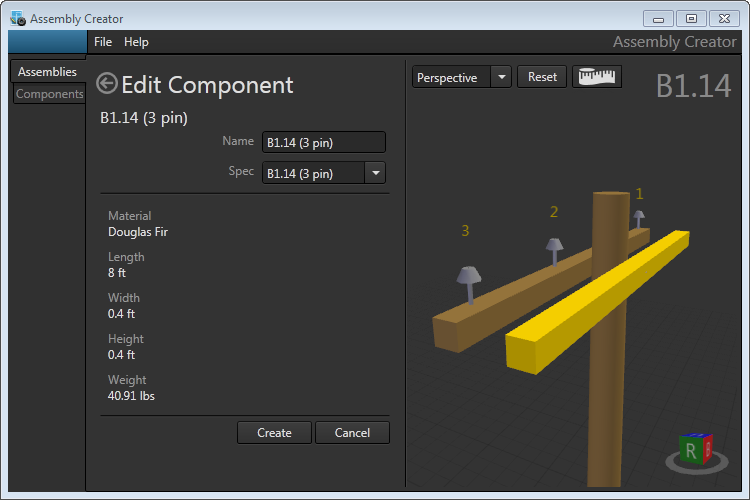
Creating a second cross arm for an assembly
